
Download Smart Defrag – disk defragmentation, optimize performance, Windows utility, hard drive optimization, SSD optimization, auto defrag, file organization, system speedup
Overview
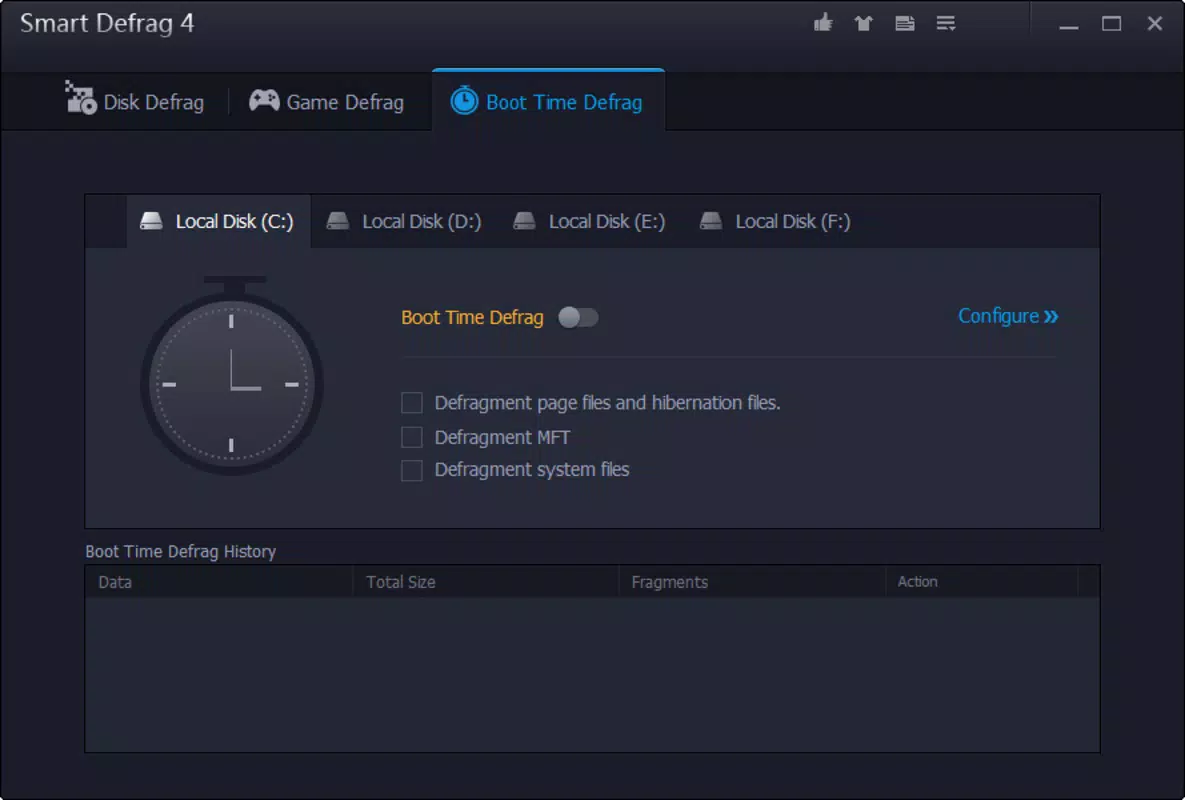
Smart Defrag is a specialized Windows utility designed to enhance system performance through advanced disk defragmentation. The application targets users seeking to improve file access speed and overall computer responsiveness by reorganizing fragmented data across hard drives. It is particularly useful for users who rely on older mechanical hard drives, where fragmentation can significantly degrade performance over time. The app also supports modern solid-state drives (SSDs) with optimized adjustment features to prevent unnecessary write cycles and extend drive longevity. Developed by IObit, a company known for system optimization tools, Smart Defrag aligns with a broader ecosystem of performance-enhancing software. Real-world use cases include improving startup times, speeding up application launches, and enhancing the performance of large file systems. For professionals managing large media libraries or developers working with complex project files, the ability to defragment multiple drives simultaneously offers tangible efficiency gains. Although the developer did not provide additional technical details about integration with other system tools, the app’s focus on resource efficiency and automation suggests a design philosophy centered on minimal user intervention. Smart Defrag fills a niche in the Windows utility space by offering a more intelligent and faster alternative to built-in defragmentation tools.Key Features & Functionality
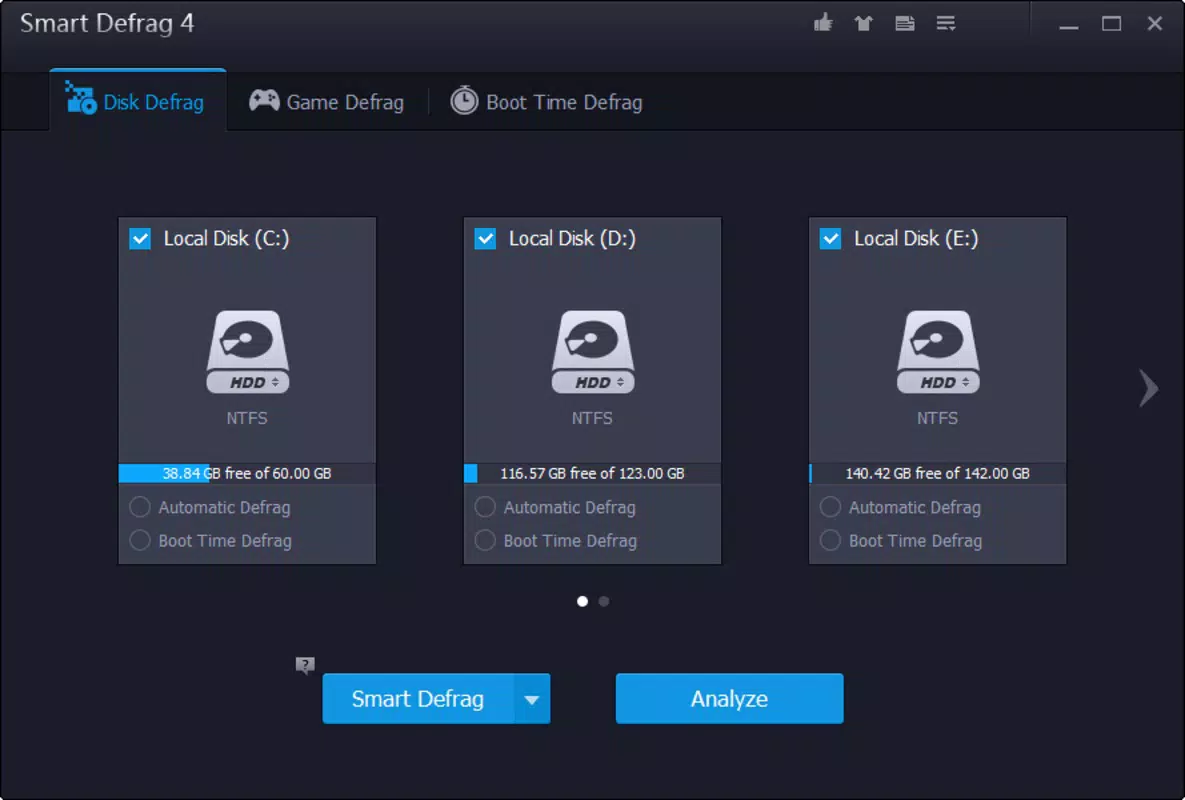
- Simultaneous Defragmentation: Smart Defrag enables the defragmentation of multiple hard drives at once, reducing total optimization time and streamlining system maintenance. This is especially beneficial for users with multi-drive setups, such as separate drives for OS, applications, and data.
- Intelligent File Optimization: The software prioritizes frequently accessed files by placing them in the fastest available disk sectors, improving load times for commonly used programs and documents.
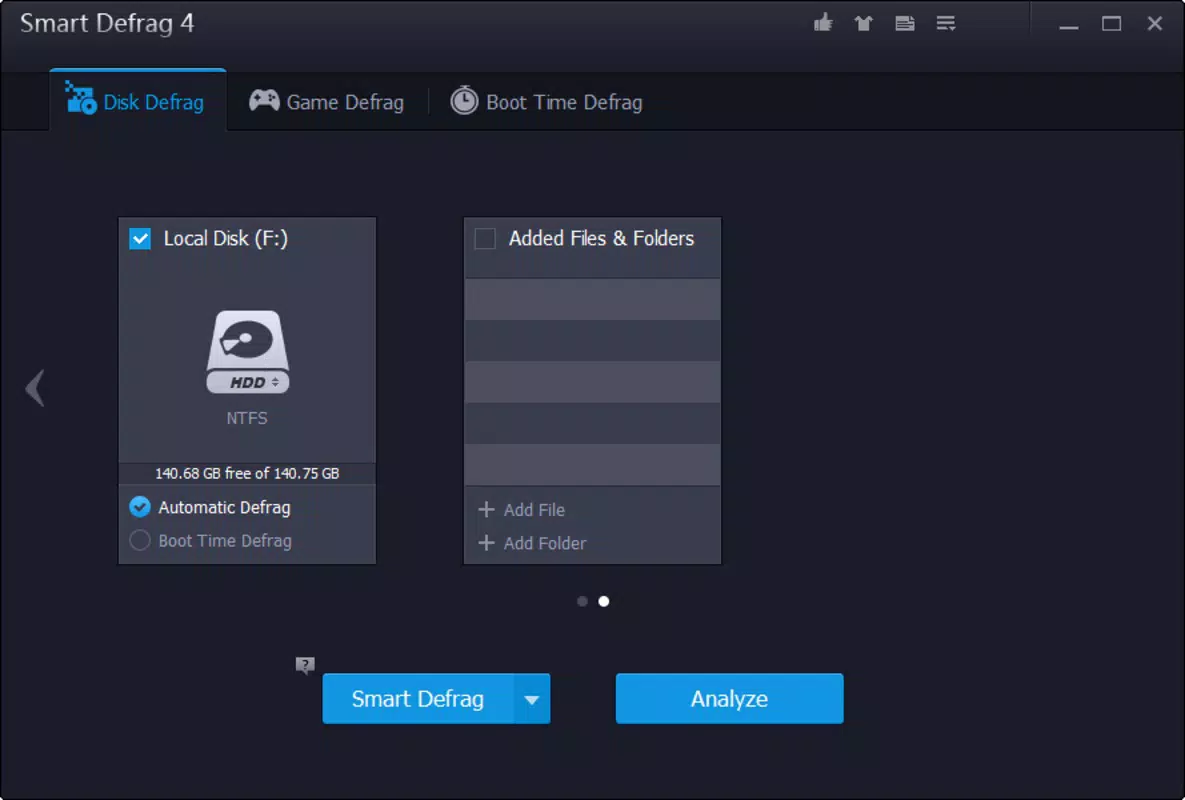
- Auto Defrag Function: When the system is idle, Smart Defrag automatically initiates defragmentation, ensuring continuous performance optimization without disrupting active workflows.
- Scheduled Defragmentation and Shutdown: Users can set defragmentation tasks to run at specific times and configure the system to power off once the process completes, ideal for overnight maintenance.
- Enhanced Defragmentation Engine with SSD Adjustment: The updated engine reduces CPU usage and improves stability. For SSDs, the tool applies intelligent adjustments to avoid unnecessary write operations, preserving drive health and performance.
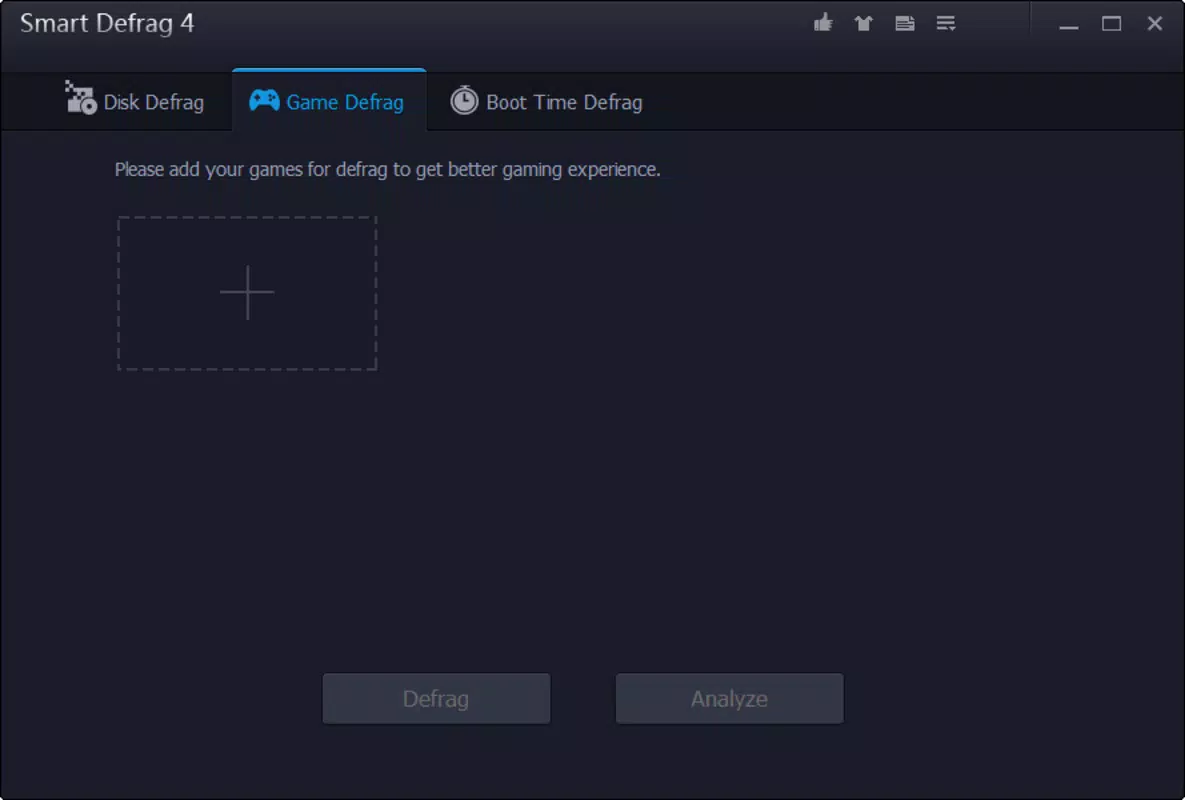
- Game Defragmentation Technology: A specialized feature that optimizes game file access patterns, potentially reducing load times and improving in-game performance.
Interface, UX & Performance
Smart Defrag features a clean, task-oriented interface designed for both novice and advanced users. The main dashboard displays a summary of connected drives, their fragmentation levels, and the status of ongoing or scheduled tasks. Navigation is straightforward, with clearly labeled sections for initiating defragmentation, configuring schedules, and reviewing optimization history. The visual design emphasizes functionality over aesthetics, using color-coded indicators to reflect drive health and progress. Although the developer did not list formal performance metrics, the app’s ability to manage multiple drives simultaneously suggests efficient resource utilization. The interface remains responsive across different screen sizes and resolutions, indicating solid cross-device compatibility. Stability appears consistent, with no reported issues in handling large-scale defragmentation tasks. The Auto Defrag and scheduled functions operate reliably in the background, minimizing interference with foreground applications. Although the developer did not specify minimum OS requirements or hardware constraints, the lightweight file size of 12.3 MB suggests low system overhead. Users can expect smooth operation on modern Windows systems without significant performance degradation.Platform Compatibility & Technical Requirements
Smart Defrag is designed exclusively for the Windows operating system. The app is compatible with Windows platforms, though specific version requirements were not listed by the developer. The software has a file size of 12.3 MB, which is relatively small for a system utility, indicating a streamlined installation package. The current version is 1.0.0.5, released on July 15, 2024. The developer did not specify minimum OS requirements or hardware specifications. Compatibility information was not fully disclosed. However, given its focus on disk optimization, the app is likely intended for desktop and laptop systems with traditional hard drives or SSDs. No information was provided regarding mobile or cross-platform availability. Users should verify system compatibility before installation, particularly on older or specialized Windows configurations.Pros and Cons
- Supports simultaneous defragmentation across multiple drives
- Includes intelligent file placement for faster access
- Auto Defrag function runs during idle periods
- Scheduled defragmentation with automatic shutdown
- SSD optimization to extend drive lifespan
- Lightweight file size (12.3 MB)
- Price point of $39.95 may be considered high for casual users
- Specific OS and hardware requirements were not disclosed
- No mobile or cross-platform version available
- Developer did not provide detailed performance benchmarks
- Advanced features may be underutilized by non-technical users


